

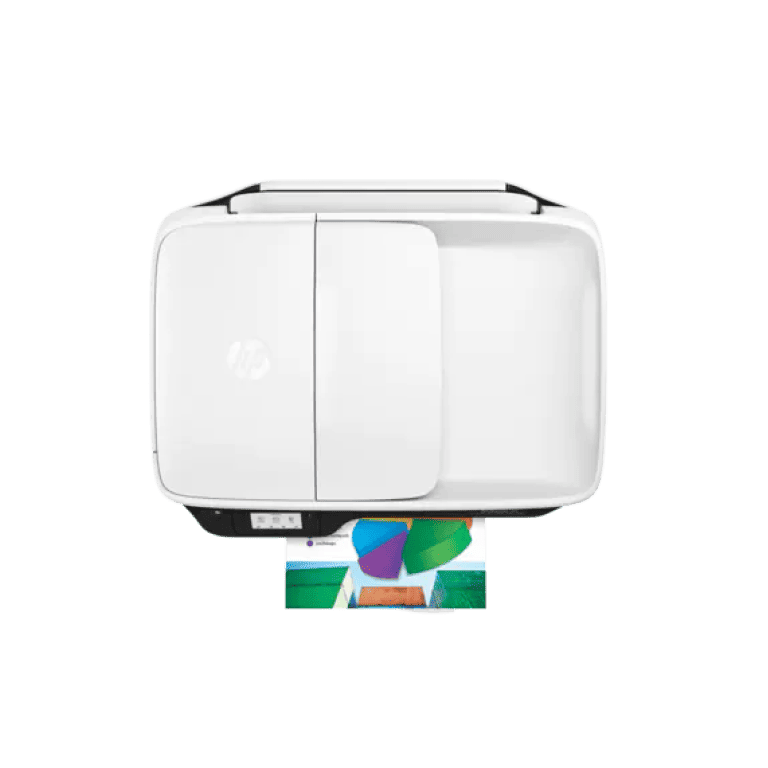
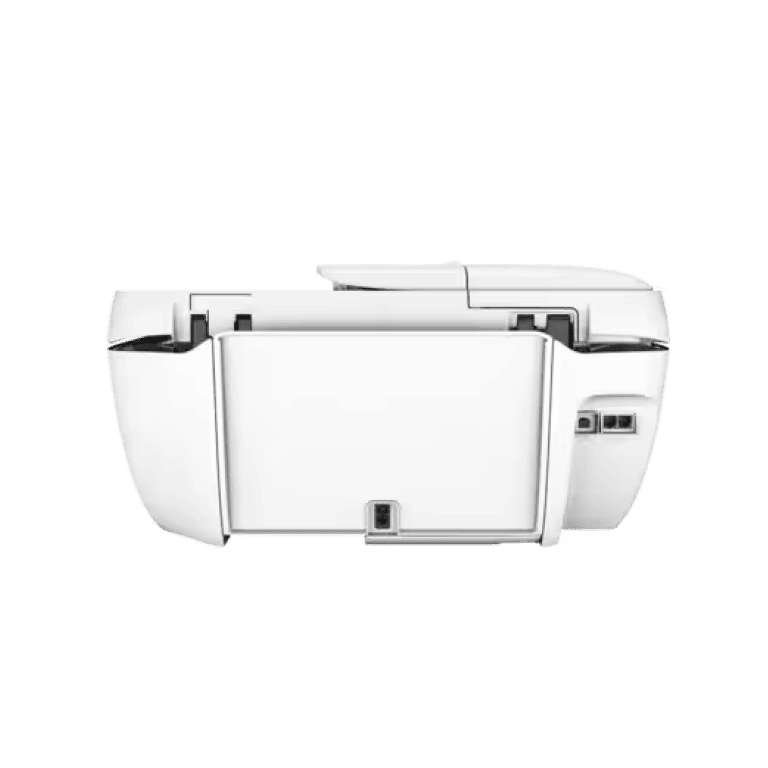

OfficeJet 3831 All-in-One Printer
Get more done with the easiest way to print from your smartphone or tablet.[1] Simplify tasks while saving time and money with this affordable, easy-to-use all-in-one with fax. It fits in nearly any space and works quietly in the background.
Easy mobile printing
Start printing and get connected quickly with easy setup from your smartphone, tablet, or PC. Connect your smartphone or tablet directly to your printer and easily print without accessing a network. Manage printing tasks and scan on the go with the free All-in-One Printer Remote mobile app.
Affordable at-home printing
Full of value, print up to twice as many pages with Original high-yield ink cartridges. Get high-quality prints time after time with an all-in-one designed and built to be reliable.
Everything you need right away
Take charge of your tasks and finish in less time with the easy-to-use 2.2-inch (5.5 cm) display. Quickly copy, scan, and fax multipage documents with the 35-page automatic document feeder.
Designed to fit your life
Save your space with a compact all-in-one designed to fit on your desk, on a shelf, or anywhere you need it. Print in any room you choose without causing disruptions. Optional quiet mode helps keep noise to a minimum.
Overview
[1] In comparison to the majority of consumer/home office inkjet all-in-one printers < $399 USD as of November 2014, based on market share as reported by IDC as of Q3 2014, and typical time to set up and/or presence of preloaded plug-in. App download required for printer setup. Local printing requires a mobile device and printer to be on the same network or to have a direct wireless connection to the printer. Wireless performance is dependent on the physical environment and the distance from the access point. Wireless operations are compatible with 2.4 GHz operations only. Remote printing requires an Internet connection to a web-connected printer. App or software and ePrint account registration may also be required. Wireless broadband use requires a separately purchased service contract for mobile devices. Check with the service provider for coverage and availability in your area.
[2] Requires All-in-One Printer Remote mobile app download and is compatible with iPhone 4 and later, iPad® 4th generation, iPad mini™, iPad Air®, iPod®, and mobile devices using Android™ 4.0.3 or later. The printer and mobile device must be on the same local wireless network with Internet access. Wireless performance is dependent on the physical environment and the distance from the access point.
[3] The mobile device needs to be connected directly to the Wi-Fi signal of a wireless direct–capable MFP or printer prior to printing. Depending on the mobile device, an app or driver may also be required. Wireless performance is dependent on the physical environment and the distance from the wireless access point in the printer.
[4] A mobile device requires a wireless access point and an Internet connection. Compatible with iPhone® 4 and later, iPad® 4th generation, iPad mini™, iPad Air®, iPod® 5G using iOS 7 or later, and mobile devices using Android™ 4.0.3 or later. Features controlled may vary by mobile device operating system. Scan/copy control requires the mobile device and printer to be on the same wireless network or through a wireless direct connection to the printer. For mobile scanning, the device camera requires 5 megapixels or greater with autofocus capability.
[5] Based on 63XL High Yield Black Original Ink Cartridges. High-yield ink cartridges not included; purchase separately. Lower cost per page compared with estimated street price and published page yield of standard-yield 63 Original Ink Cartridges. Actual pricing may vary.
[7] Auto Wireless Connect may not be available for all system configurations. Wireless performance is dependent on the physical environment and the distance from the access point. Wireless operations are compatible with 2.4 GHz routers only.
Specifications
[1] Power requirements are based on the country/region where the printer is sold. Do not convert operating voltages. This will damage the printer and void the product warranty.
[2] Wireless performance is dependent upon the physical environment and distance from the access point. Wireless operations are compatible with 2.4 GHz routers only; excludes wireless direct. Wireless Direct may require drivers or apps to be installed and connected on a wireless-enabled mobile device or PC. Wireless functionality may vary by computer and mobile operating systems. Print times and connection speeds may vary. AirPrint™ supports OS X® Lion, OS X® Mountain Lion, and the following devices running iOS 4.2 or later: iPad®, iPhone® (3GS or later), iPod touch® (3rd generation or later), and requires the printer to be connected to the same network as your OS X or iOS device. AirPrint, the AirPrint Logo, iPad, iPhone, and iPod touch are trademarks of Apple® Inc. Windows® is a trademark of the Microsoft group of companies. BlackBerry® names and logos are the property of Research In Motion Limited. Android is a trademark of Google Inc.
[3] Either after the first page or after the first set of ISO test pages.
[4] SureSupply assists you when you want to replace a print cartridge and helps you shop and purchase locally or via the Internet. Only available for genuine supplies. Internet access required.
[5] Based on the standard ITU-T test image #1 at standard resolution. More complicated pages or higher resolution will take longer and use more memory.
Legal disclaimer
Product image may differ from the actual product
Copyright 2015 Development Company, L.P. The information contained herein is subject to change without notice. The only warranties for products and services are outlined in the express warranty statements accompanying such products and services. Nothing herein should be construed as constituting an additional warranty. Shall not be liable for technical or editorial errors or omissions contained herein. ENERGY STAR and the ENERGY STAR logo are registered U.S. marks. Windows is a registered trademark of Microsoft Corporation. AirPrint, iPad, iPhone, and iPod touch are trademarks of Apple Inc., registered in the U.S. and other countries.
[8] Program availability varies. Original cartridge return and recycling are currently available in more than 50 countries, territories, and regions in Asia, Europe, and North and South America through the Planet Partners program.
[10] Local printing requires a mobile device and printer to be on the same network or to have a direct wireless connection to the printer. Wireless performance is dependent on the physical environment and distance from the access point. Wireless operations are compatible with 2.4 GHz operations only. Remote printing requires an Internet connection to a web-connected printer. App or software account registration may also be required. Wireless broadband use requires a separately purchased service contract for mobile devices. Check with the service provider for coverage and availability in your area.
[11] A mobile device requires a wireless access point and an Internet connection. Features controlled may vary by mobile device operating system. Scan/copy control requires the mobile device and printer to be on the same wireless network or through a wireless direct connection to the printer. For mobile scanning, the device camera requires 5 megapixels or greater with autofocus capability.
Energy Star; Works with Microsoft Vista; Windows 7; Windows 8; Mac Smiley; Mac Universal; Hi-Speed USB; PAP 20; Fragile; Keep out of Rain; This side up; stacking height (7); recycle; ColorLok; Smartway (NA only); Eco highlights; Total Care
[12] Requires an Internet connection to an ePrint-enabled printer. The printer requires ePrint account registration. An app or software may be required. Wireless operations are compatible with 2.4 GHz operations only. Print times and connection speeds may vary. Wireless broadband use requires a separately purchased service contract for mobile devices. Check with the service provider for coverage and availability in your area.
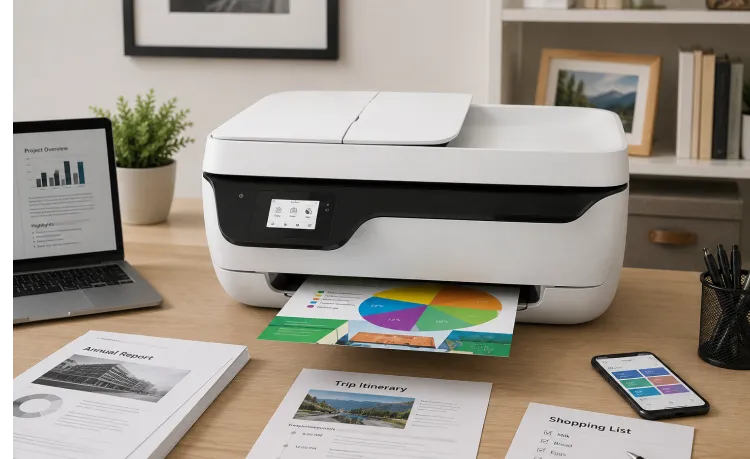
How the OfficeJet 3831 All-in-One Printer…
Modern printing requirements continue evolving as users expect more flexibility, convenience, and accessibility from everyday…
Read More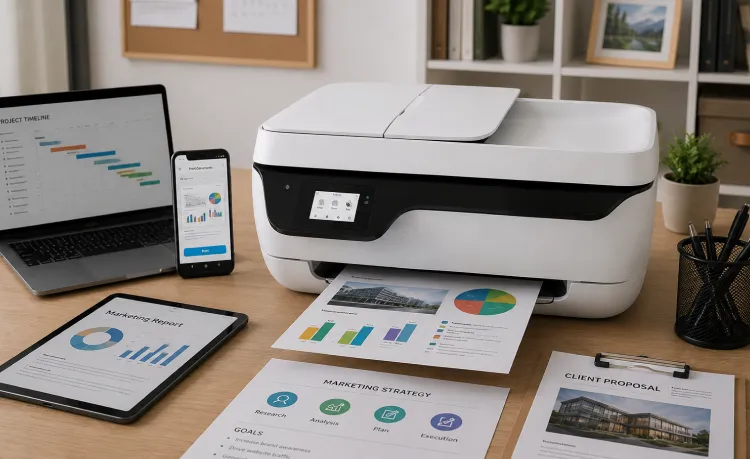
Why the OfficeJet 3831 All-in-One Printer…
Modern workflows continue requiring devices that support accessibility, adaptability, and multifunction convenience. Managing…
Read More