
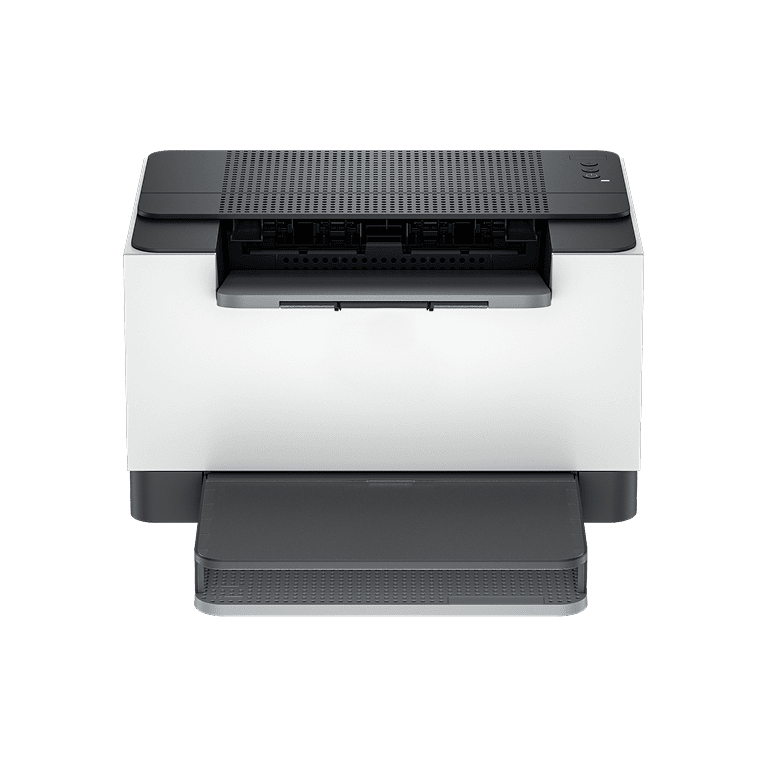


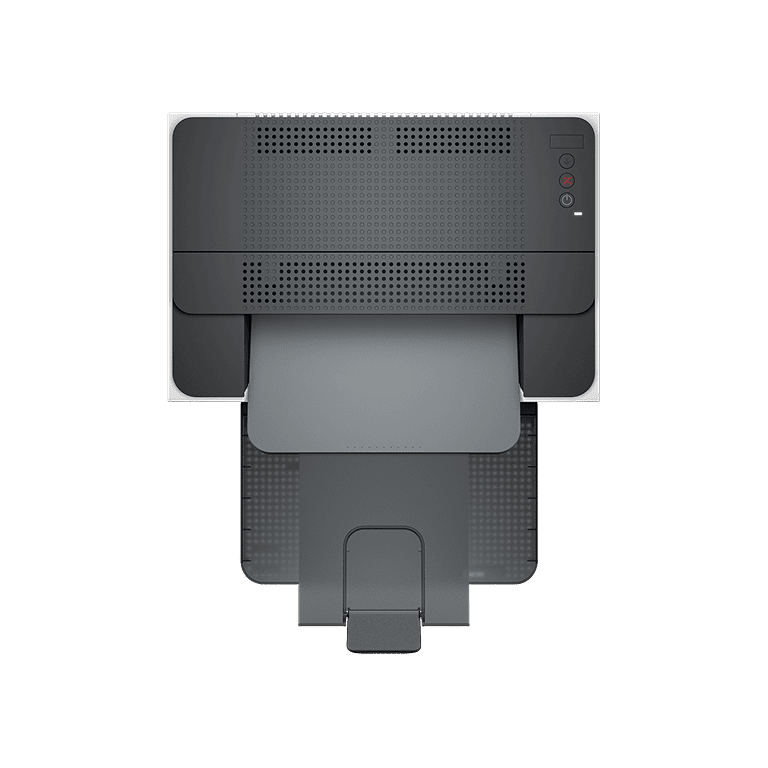
LaserJet M209d Printer
Increase productivity with this high-performance black-and-white printer in an award-winning compact design.[2] Experience the fastest two-sided printing in class[8] plus simplified setup and time-saving features with the app.[3]
Built for fast and reliable printing
Deliver multipage documents in a flash with the fastest two-sided printing in class. Rely on consistent, high-quality prints page after page. Get the quality you expect from an industry leader. Easily handle high-volume print jobs and reload paper less often with a 150-sheet capacity paper tray.
Award-winning design to fit your workspace[2]
Save space and reduce clutter with an award-winning compact design. You can fit this LaserJet almost anywhere. Get projects done quickly with a printer that fits your workspace.
Easy to set up, easy to use
Get started fast with easy setup guidance from the app. Quickly setup and get back to business. Help protect the information that matters most. Get security essentials to help maintain privacy and control. Easily connect your printer to your computer with the provided USB cable and built-in USB port.
Compact and energy-efficient design
Optimize printer energy usage with Auto-On/Auto-Off technology. Easily recycle your used Original Toner Cartridges for free through the Planet Partners program. This LaserJet meets ecolabel requirements, including ENERGY STAR and Blue Angel.
Overview
[1] Certain features are available in the English language only and may vary by printer model/country and between desktop/mobile applications. The reserves the right to introduce charges for use of functionality facilitated by the app. Internet access required and may not be available in all countries. The account is required for full functionality. Fax capabilities are for sending a fax only. List of supported operating systems available in app stores.
[2] Based on internal testing. Average timing estimate based on: 1) downloaded app on mobile or desktop device, 2) setting up Shortcut, 3) scanning jobs which have more than 2-3 tasks associated with them (scan to email, save and rename, store to cloud, etc.). Average timing savings comparison based on using printer and desktop scan software to complete similar scanning tasks. Requires the app download and a supported printer.
[3] Auto-On/Auto-Off Technology capabilities are subject to printer and settings; may require a firmware upgrade.
[4] Program availability varies. Original cartridge return and recycling are currently available in more than 60 countries, territories, and regions in Asia, Africa, Europe, and North and South America through the Planet Partners program.
[6] The calculations are based on ENERGY STAR normalized TEC data comparing LaserJet 200-500 series printers at launch.
[7] This printing system is awarded the Blue Angel according to DE-UZ 219 in commercial use for the following 33 countries: Germany, Austria, Switzerland, France, United Kingdom, Ireland, Sweden, Denmark, Finland, Norway, Belgium, Netherlands, Luxembourg, Italy, Spain, Portugal, Poland, Czech Republic, Slovakia, Slovenia, Hungary, Croatia, Romania, Bulgaria, Greece, Estonia, Latvia, Lithuania, Serbia, Turkey, Israel, Morocco, South Africa.
[8] Compared to in-class monochrome duplex laser printers, less than $149 USD and 129€ EUR, and duplex laser MFPs, less than $229 USD and 199€ EUR. Exact printer speeds vary depending on the system configuration, software application, driver, and document complexity. Keypoint Intelligence March 2024 study commissioned, based on research of OEM-published specifications and publicly available information as of March 2024. Market share as reported by IDC for Q4 2023 for North America and Europe.
Specifications
[1] For yield information on the cartridge included with your printer. Yield values measured in accordance with ISO/IEC 19752 and continuous printing. Actual yields vary considerably based on images printed and other factors.
[2] Auto-On/Auto-Off Technology capabilities are subject to printer and settings; may require a firmware upgrade.
[3] Certain features are available in the English language only and may vary by printer model/country and between desktop/mobile applications. The reserves the right to introduce charges for the use of functionality facilitated. Internet access required and may not be available in all countries. The account required for full functionality. Fax capabilities are for sending a fax only. List of supported operating systems available in app stores.
[4] Power requirements are based on the country/region where the printer is sold. Do not convert operating voltages. This will damage the printer and void the product warranty. Power consumption values are typically based on measurements of an 115V device.
[5] Declared yields based on ISO/IEC 19752 and continuous printing. Actual yields vary considerably based on images printed and other factors.
[6] Declared yield value in accordance with ISO/IEC 19752 and continuous printing. Actual yields vary considerably based on images printed and other factors.
[7] Measured using ISO/IEC 24734, excludes the first set of test documents. Exact speed varies depending on the system configuration, software application, driver, and document complexity.
[8] Measured using ISO/IEC 24734 Feature Performance Test, excludes the first set of test documents. Exact speed varies depending on the system configuration, software application, driver, and document complexity.
[9] Measured using ISO/IEC 17629. Exact speed varies depending on the system configuration, software application, driver, and document complexity.
[10] Duty cycle is defined as the maximum number of pages per month of imaged output. This value provides a comparison of product robustness in relation to other LaserJet or Color LaserJet devices and enables appropriate deployment of printers and MFPs to satisfy the demands of connected individuals or groups.
[11] The recommends that the number of printed pages per month be within the stated range for optimum device performance, based on factors including supplies replacement intervals and device life over an extended warranty period.
[12] Not supporting Windows XP (64-bit) and Windows Vista® (64-bit). Full solution software is available only for Windows 10 and newer; For Windows Server 2016, a 64-bit-only print driver is installed; Linux systems use in-OS software.
[13] Configuration tested for M207dw model: simplex printing, A4 paper at an average of 27ppm. Configuration tested for M209d model: simplex printing, A4 paper at an average of 29ppm.
Legal disclaimer
Product image may differ from the actual product
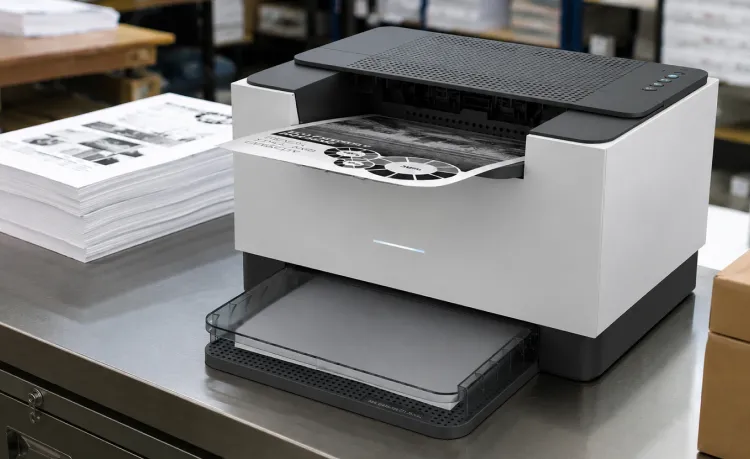
How the LaserJet M209d Printer Supports…
Modern document environments require printers capable of supporting consistent output, organized workflows, and efficient…
Read More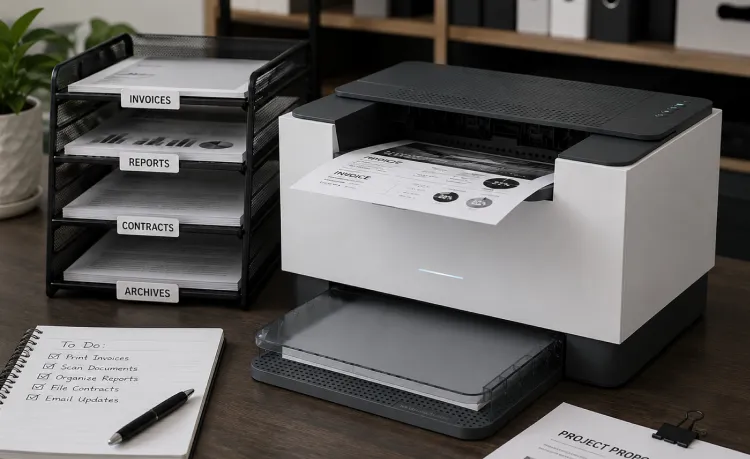
Why the LaserJet M209d Printer Supports…
Modern document workflows depend heavily on operational consistency, organized printing systems, and reliable document accessibility.…
Read More