
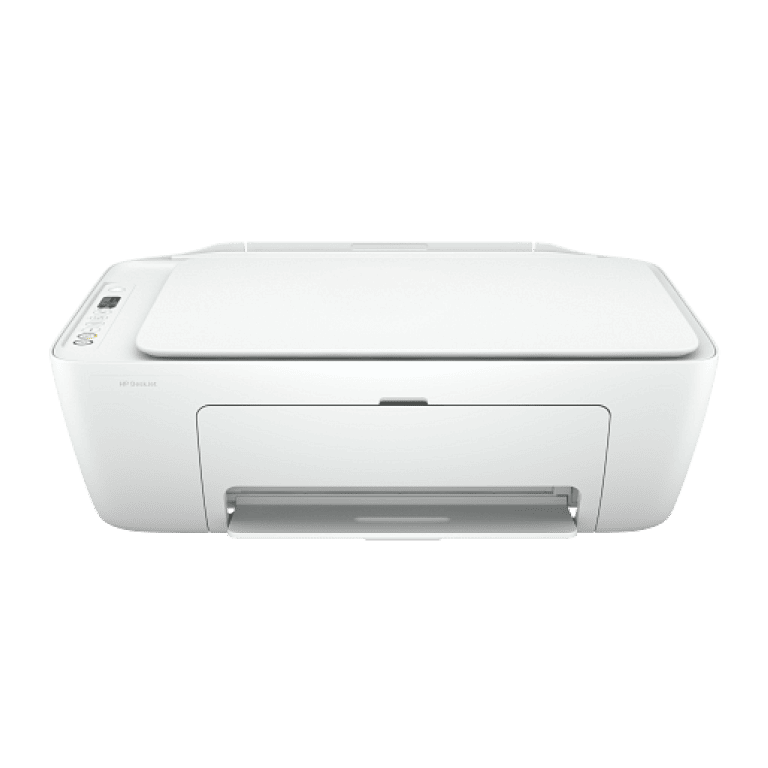
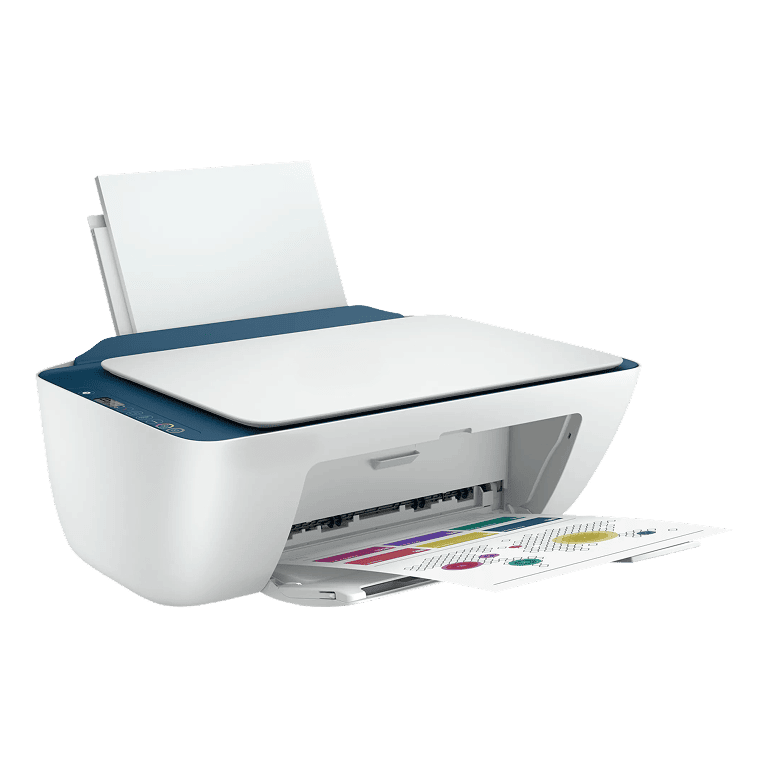
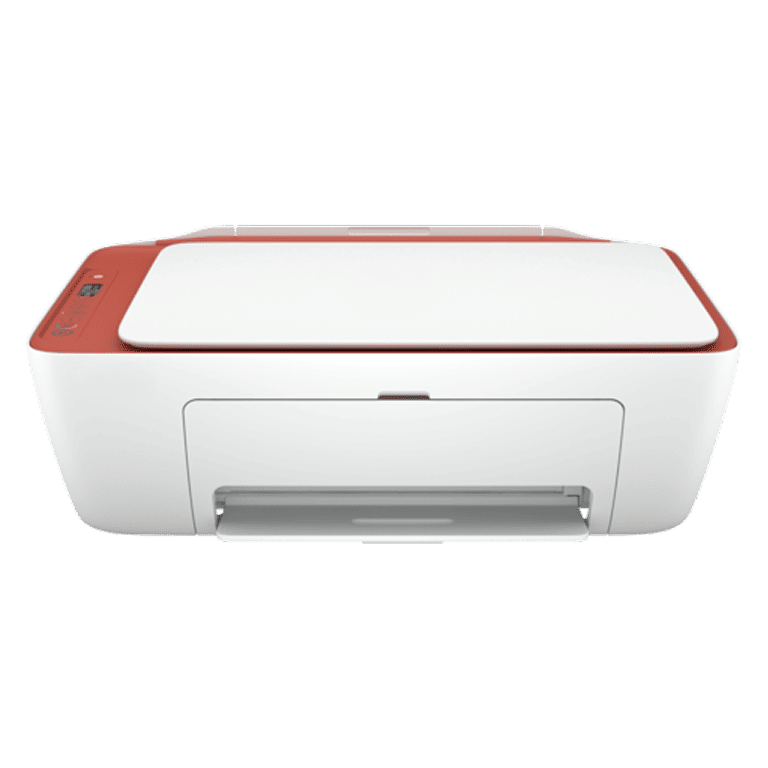
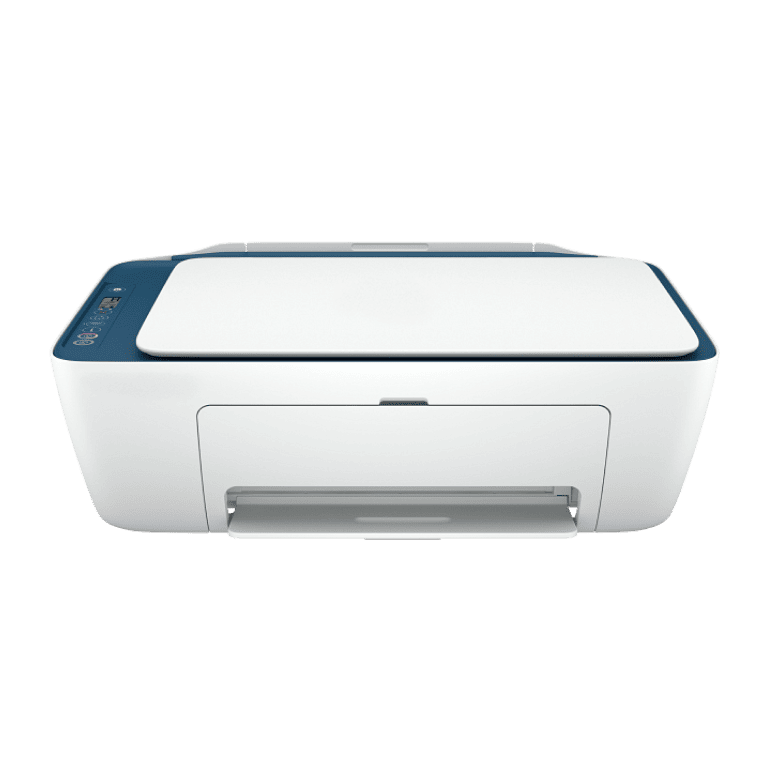
DeskJet 2732 All-in-One Printer
All the basics, now with easy-to-use features. Print, scan, and copy everyday documents, and get worry-free wireless.[1] Simple setup with app means you’re ready on any device.[2]
Simple setup. Simple printing.
Get started fast with a simple setup that guides you through each step, using the app. Easily handle tasks and get a lot from one device – print, scan, and copy. Easily print everyday documents from your smartphone, using the app.
Worry-free wireless[1]
Get better range and faster, more reliable connections using dual-band Wi-Fi® with self-reset. Get connected with Bluetooth® and start printing fast from your smartphone or tablet – easy setup. Built-in wireless capabilities let you easily access, print, and share resources on a network.
Save up to 50% on ink and never run out [3,4]
With Instant Ink, ink is automatically ordered and delivered to your door, and you pay a lot less. Original ink cartridges deliver sharp text and vibrant graphics for all your everyday documents and photos.
Never run out and save up to 50% with Instant Ink [8,9]
When ink levels are low, a new cartridge is automatically dispatched at no extra cost. Enjoy total flexibility, because you can change or cancel your plan anytime.
Overview
[1] Wireless operations are compatible with 2.4 GHz and 5.0 GHz operations only. Wi-Fi is a registered trademark of Wi-Fi Alliance. Supports both 5.0 GHz and 2.4 GHz using up to 12 non-overlapping channels vs only 3 non-overlapping channels for 2.4 GHz only. Supports 5.0 GHz band (up to 150 Mbps) vs 2.4 GHz band (up to 72.2 Mbps). Internet access required and must be purchased separately.
[2] Requires the app download. For details on local printing requirements. Certain features/software are available in the English language only. Internet access required and must be purchased separately.
[3] Compared to the majority of OEM mobile printing apps for inkjet & laser printers & all-in-ones for home & home office, priced less than or equal to $429.99 USD. Market share as reported by IDC CYQ2 2018 Hardcopy Peripherals Tracker. Claim based on lab testing and research of printer manufacturers' mobile print apps and Keypoint Intelligence- Buyers Lab study commissioned.
[4] Mobile device needs to support Bluetooth v4.2+ and be enabled. A mobile app such as ePrint or Smart must be installed and opened for printing. The mobile device must be within 5 feet of the printer. Bluetooth is a trademark owned by its proprietor and used under license.
[5] Wireless operations are compatible with 2.4 GHz and 5.0 GHz operations only. Wi-Fi is a registered trademark of Wi-Fi Alliance®.
[6] USB cable not included; purchase separately.
[7] Compared with standard-fill Original ink cartridges. High-yield ink cartridges not included; purchase separately.
[8] Based on plan usage, Internet connection to eligible printer, valid credit/debit card, email address, and delivery service in your geographic area.
[9] Based on the monthly subscription cost of plus Instant Ink 700-page plans without purchase of additional sets of pages compared to cost per page to print ISO/IEC 24711 pages on most in-class, traditional A4 color inkjet cartridge printers & MFPs using original standard capacity cartridges priced for: Canada <=399 CAD & United States <399 USD. Sale prices not considered for this study. Ink Advantage printers are excluded due to the non-standard hardware & supplies model. Buyers Lab July 2020 study commissioned, based on publicly available information as of June 1, 2020. Printers selected by market share in IDC Quarterly Hardcopy Peripherals Tracker- Final Historical 2020Q1.
[10] Change or cancel your plan at any time online. If you decide to cancel your Instant Ink plan, you can go back to using original Standard or XL cartridges. Plan upgrades are effective immediately, and the charges will be applied retrospectively or in the next billing cycle, depending on user choice. Plan downgrades and cancellations are effective after the last day of the current billing period.
Specifications
[1] Dimensions vary as per configuration
[2] Power requirements are based on the country/region where the printer is sold. Do not convert operating voltages. This will damage the printer and void the product warranty.
[3] Speed specifications have been updated to reflect current industry testing methods.
[4] Average based on ISO/IEC 24711 or testing methodology and continuous printing. Actual yield varies considerably based on the content of printed pages and other factors.
[5] Weight varies as per configuration
[6] Either after the first page or after the first set of ISO test pages.
[7] For more information about page yields for replacement cartridges for setup cartridges, click on the Setup supplies link on the same page.
[8] Local printing requires a mobile device and printer to be on the same network or to have a direct wireless connection to the printer. Wireless performance is dependent on the physical environment and the distance from the access point. Wireless operations are compatible with 2.4 GHz operations only. Remote printing requires an Internet connection to a web-connected printer. App or software and ePrint account registration may also be required. Wireless broadband use requires a separately purchased service contract for mobile devices. Check with the service provider for coverage and availability in your area.
Legal disclaimer
Product image may differ from the actual product
High speed USB, Works with Microsoft Vista; Windows 7; Windows 10; Mac Simley, Mac Universal; Mopria, Wi-Fi Certified, Bluetooth, Airprint, ColorLock, Instant Ink (for countries that apply), WeChat (for countries that apply), Energy Star (For countries that apply), Recycle, Fragile, keep out of rain, this side up, PAP20 (for countries that apply), Total Care, Smart Way (for countries that apply), Stack height (NA:6, EMEA 6, AP 5), CE (for countries that apply), Green Dot (for countries that apply), Tidy Man (for countries that apply), EAC Logo (for countries that apply), KCCC Logo + approval number (Korea), AP Language bubble (AP only), RMN (regulatory model number), Regionalize mobius loop
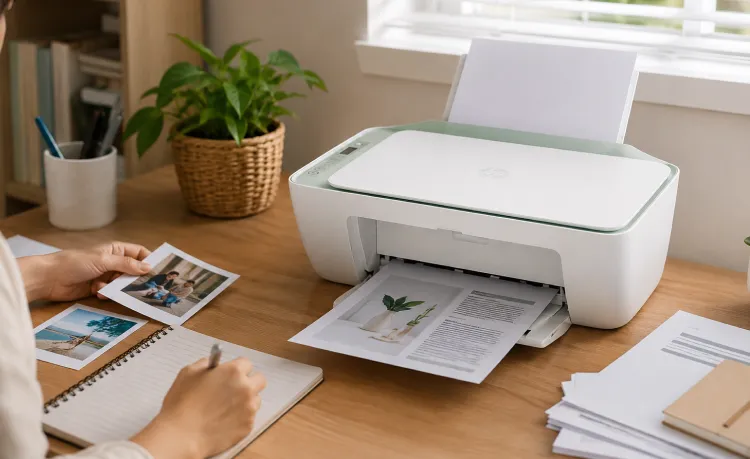
How the DeskJet 2732 All-in-One Printer…
Modern printing environments continue evolving toward simpler, more flexible, and connected document workflows. Users increasingly…
Read More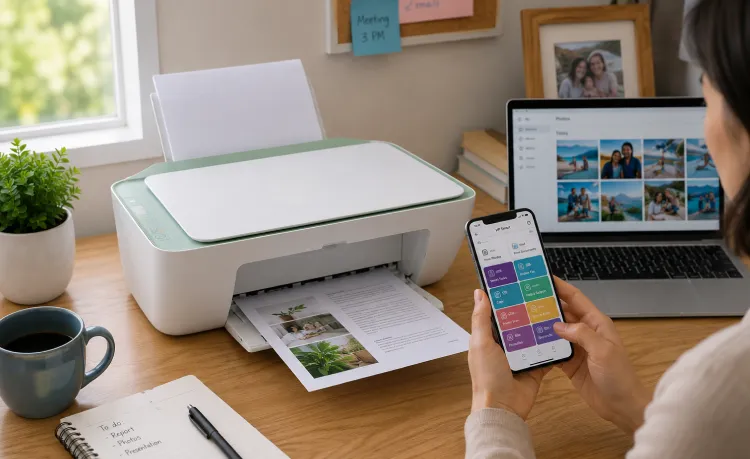
Why the DeskJet 2732 All-in-One Printer…
Connected workflows continue becoming increasingly important across modern operational environments. Users now regularly…
Read More